by TJ Hayes | Nov 26, 2026 | Game Assets
The easiest way to pick a pixel art color palette is to start with a small, proven one: 16 to 32 colors from a free library such as Lospec (PICO-8, Sweetie 16, DawnBringer 32 and Endesga 32 are all popular choices). Pick one that matches the mood of your project, use...
by TJ Hayes | Nov 23, 2026 | Game Assets
To make pixel art, you work on a tiny canvas (16×16 or 32×32 pixels is ideal), place one pixel at a time with a 1-pixel pencil, and stick to a small colour palette. Start with a solid silhouette, then add an outline, base colours, shading from one light...
by TJ Hayes | Nov 19, 2026 | Game Assets
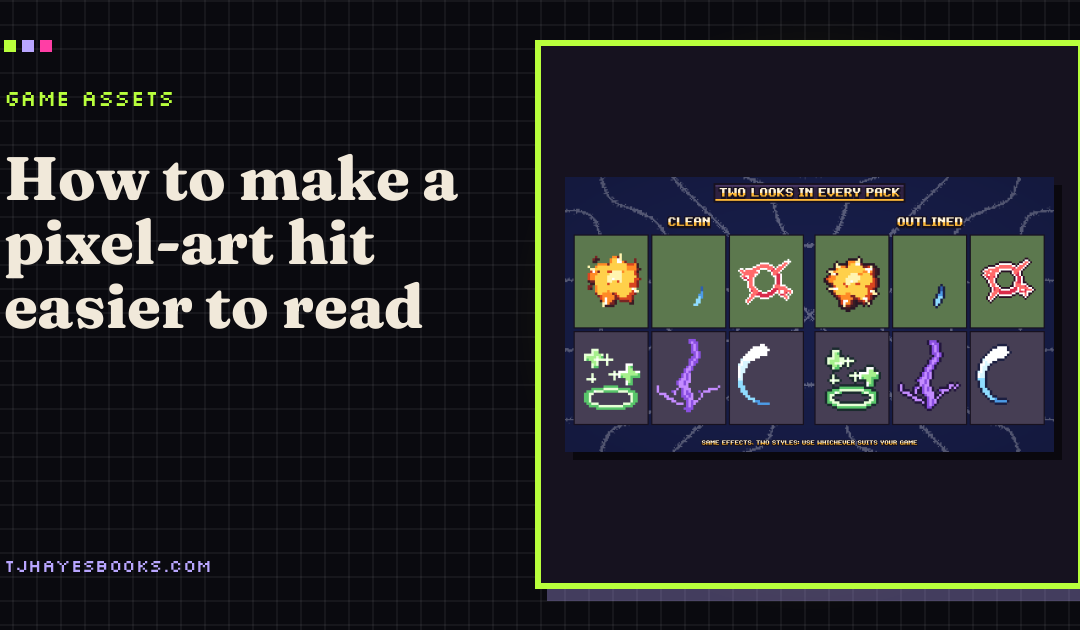
A hit can look great on a sprite sheet and disappear the moment you put it in a fight. Before adding a bigger flash, try a few simple checks in the room where the player will actually see it. 1. Test the effect where it is hardest to see Try the same attack over a...
by TJ Hayes | Nov 17, 2026 | Game Assets
One of the first decisions in a pixel art game is the tile size, and it shapes everything after it. Your characters, your tiles, your UI and even your camera all follow from it. The two most common choices for indie games are 16×16 and 32×32. Neither is...
by TJ Hayes | Nov 7, 2026 | Game Assets
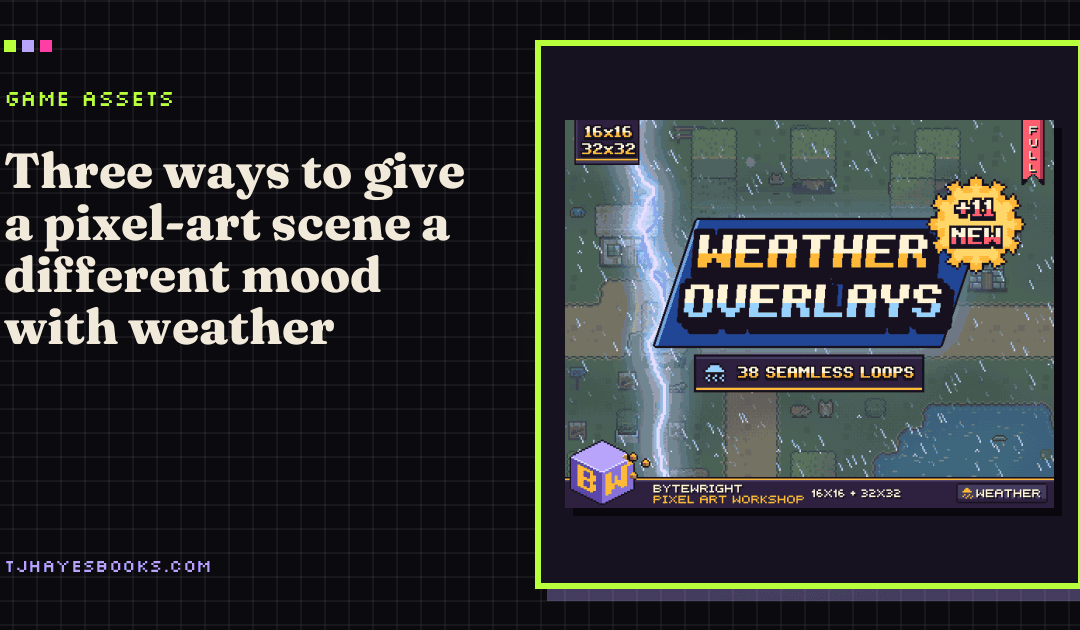
The landscape stays familiar. The weather does the storytelling. Original artwork from ByteWright’s Weather Overlays. A scene can be finished and still feel a little too still. Before adding another prop, try changing the weather around it. Rain, fog and...